Settings
Understand the basics
The settings tab allows you:
-
To start configuring your instance
-
To enable general features across the instance
-
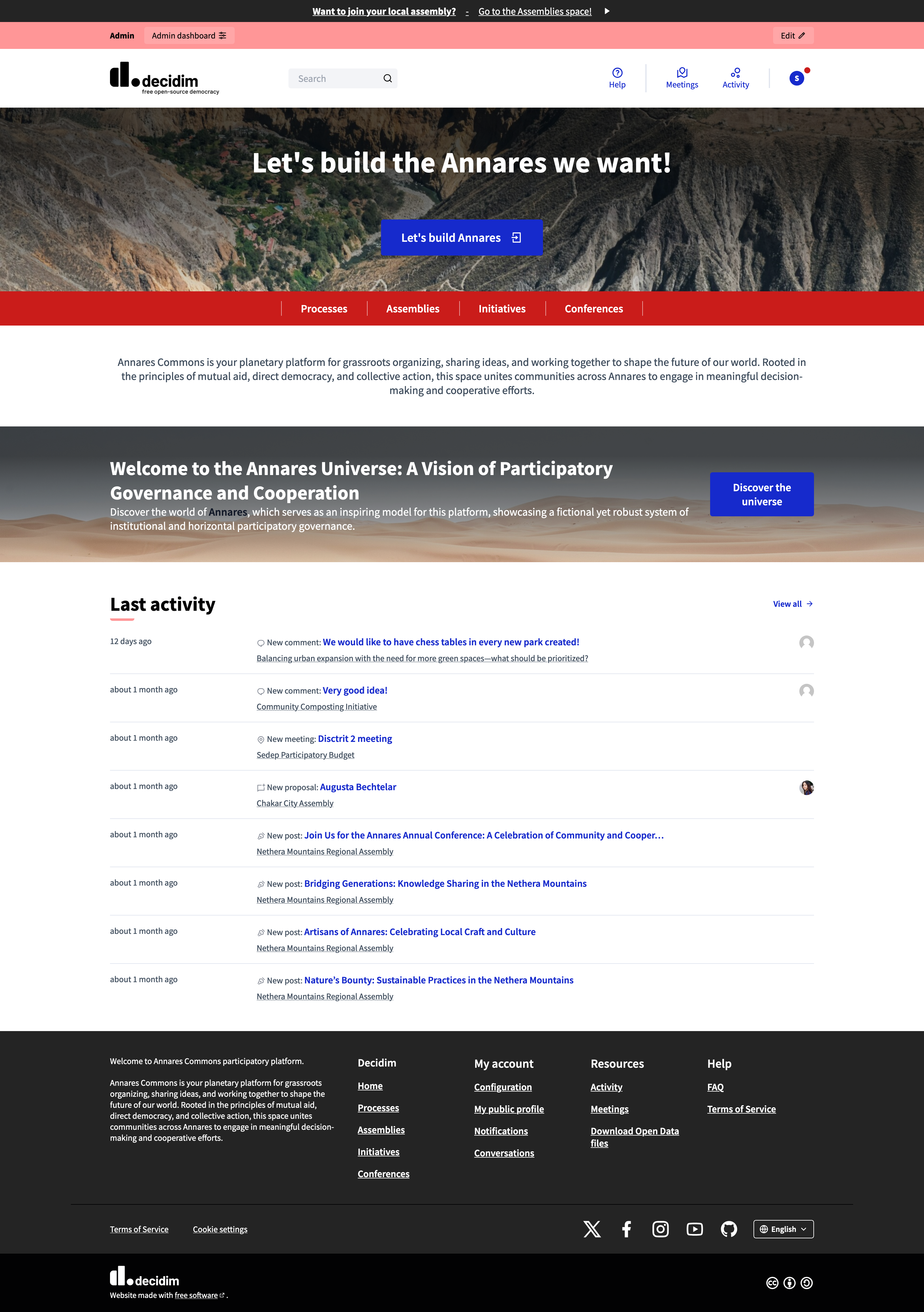
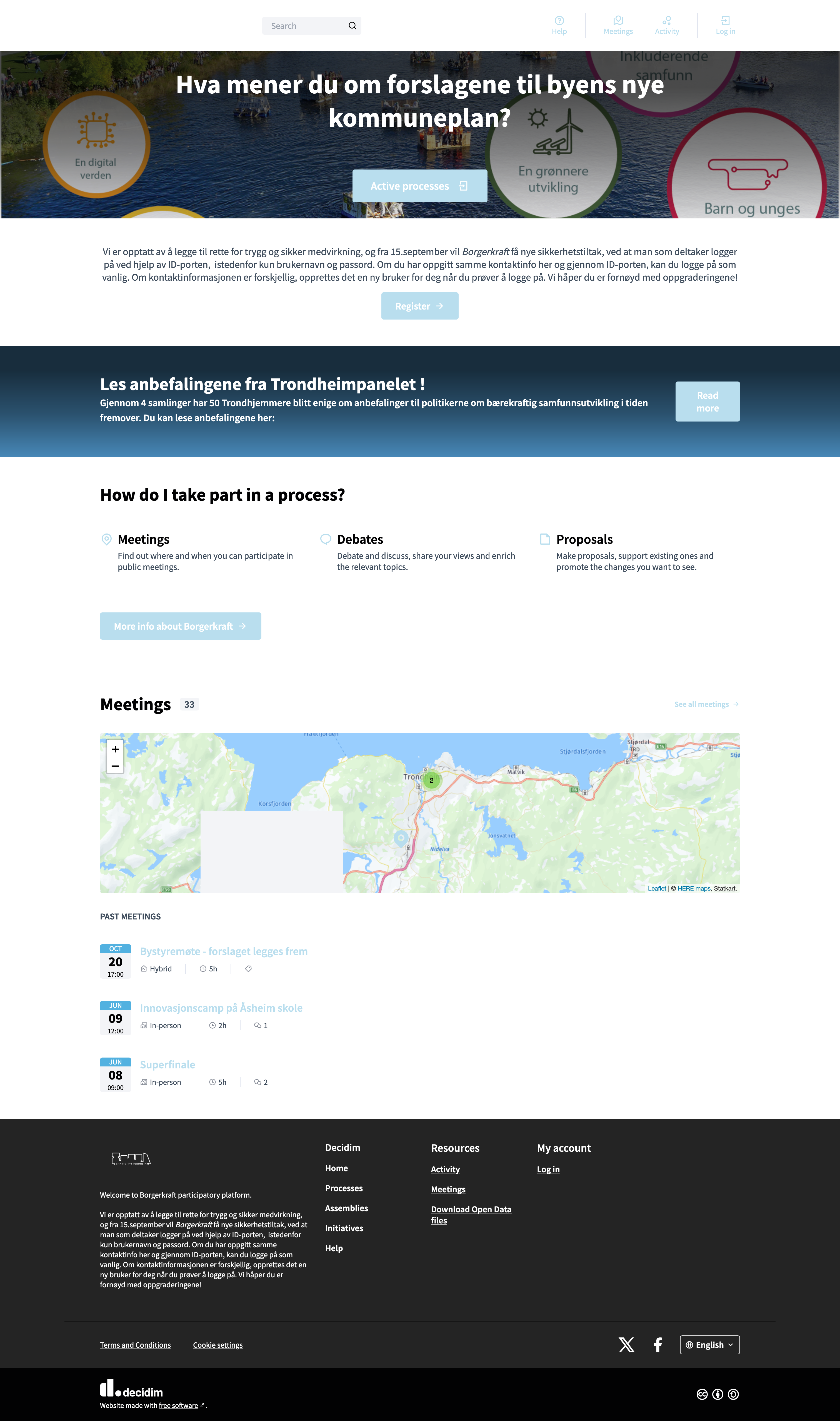
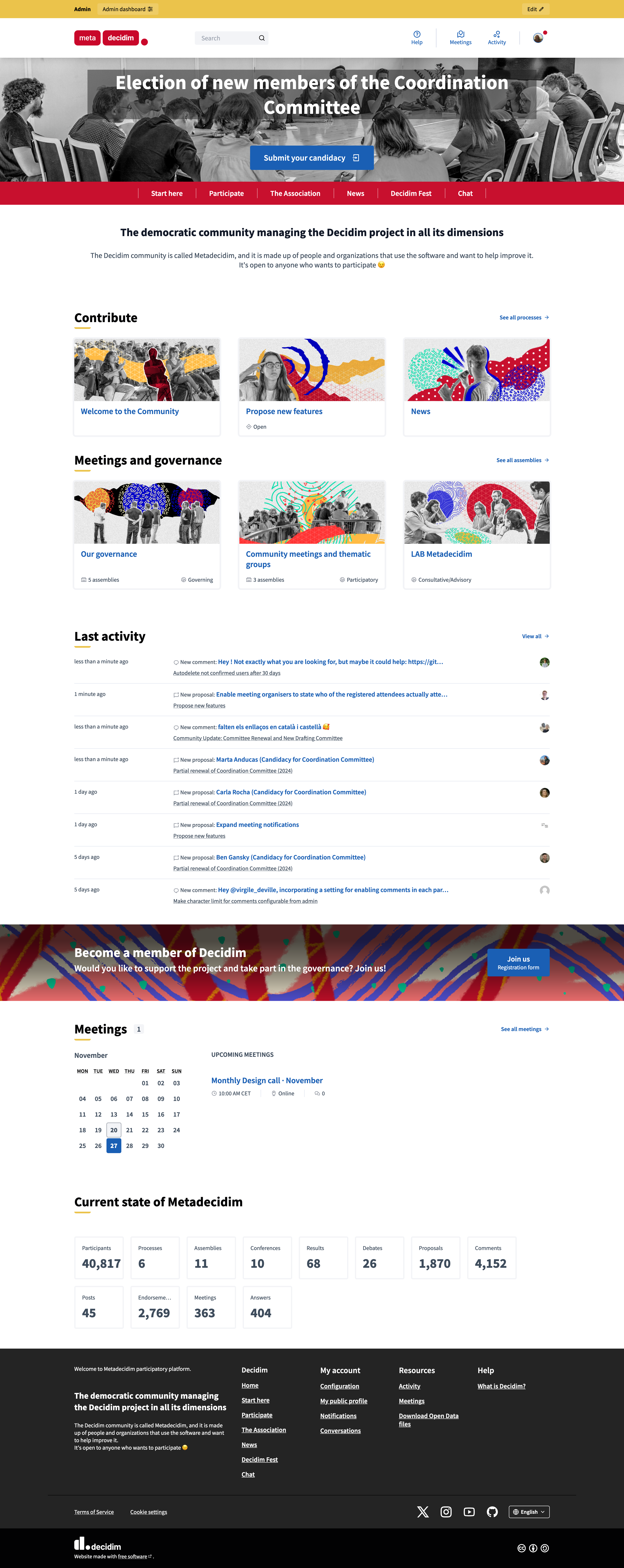
To update the appearance of the homepage and the general look and feel of your instance
-
To create and manage the scopes and areas
-
To add user help information
-
To configure the allowed external domains
Configuration
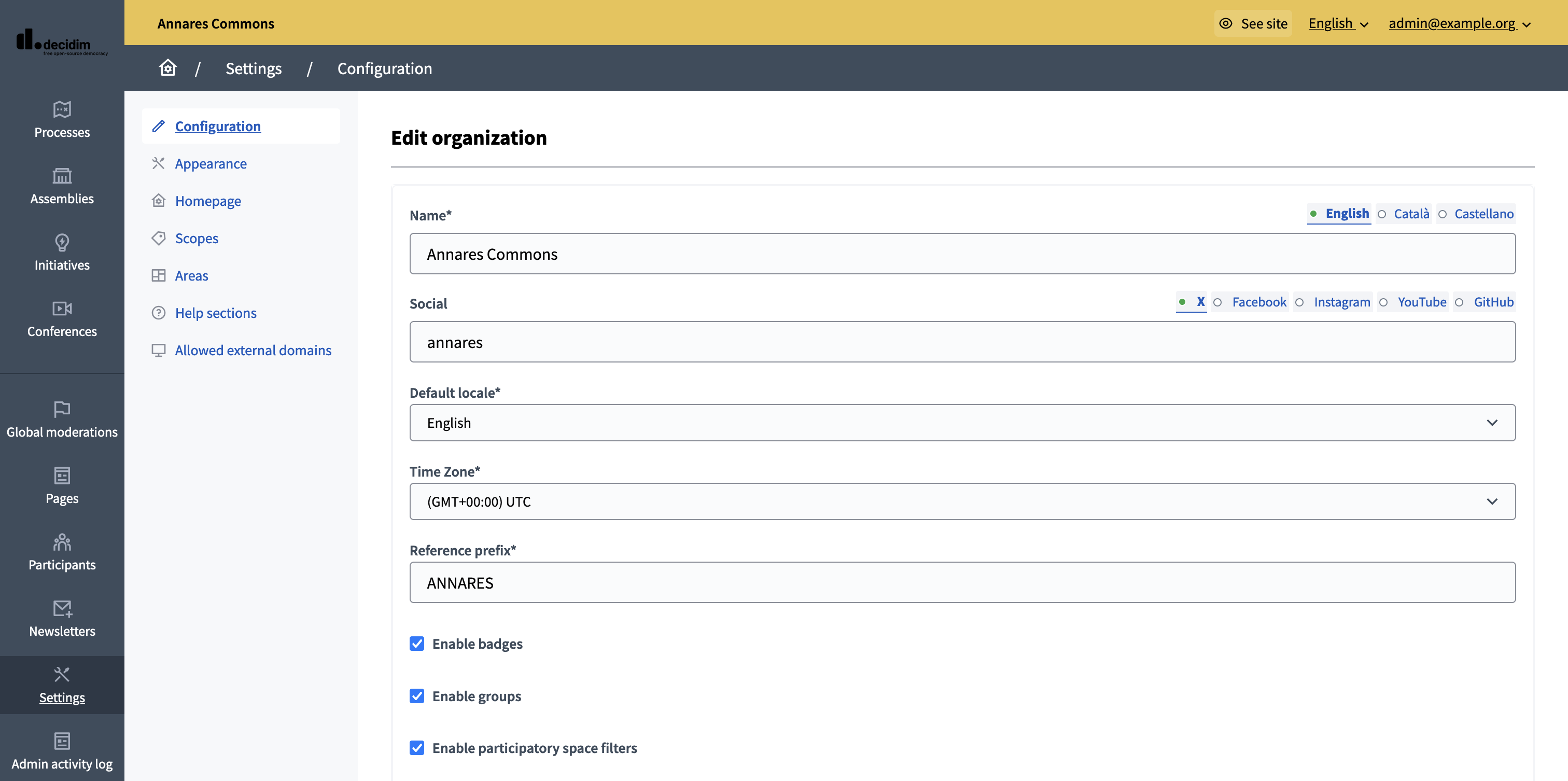
To access the Settings configuration panel, go in the administration panel and click the "Settings" item in the administration navigation bar.
In the secondary navigation panel, you can see all the settings panel available:
-
Configuration: to configure general settings.
-
Appearance: to configure the instance look and feel.
-
Homepage: to configure what to display on the homepage.
-
Taxonomies: to manage taxonomies, a categorization feature.
-
Scopes: to manage scopes, a categorization feature. Still used for the Initiatives space, but soon to be fully deprecated.
-
Areas: to manage areas, another categorization feature. Still used for the Initiatives space, but soon to be fully deprecated.
-
Help sections: to create and edit help texts for participants.
-
Allowed external domains: to manage authorized external domains.